

Anchor watch
Charts, tides, currents, wind, routing, anchor watch, cameras, an intelligent assistant, radar, sonar, autopilots, stereos, VHF radio, watermakers, maintenance tracking, and trip logs—on your devices at the helm, around the boat, and remotely through BoatKit Cloud.
Start with what you have
Anchor watch
Grow when you're ready

Custom driving view
Features
Use the many available tools to keep you informed and safe on the water and from shore, or even just change the radio station.
Navigation & conditions

Navigation
Use full marine navigation charts with AIS traffic, ActiveCaptain points of interest, tide and current stations, restriction zones, and map search.
See how it works
Navigation
Compare routes built around vessel dimensions and your preferred depth and width safety margins.
See how it works
Forecasts
Display and animate supported regional wind, wave, and ocean-current forecasts directly on the chart.
See how it works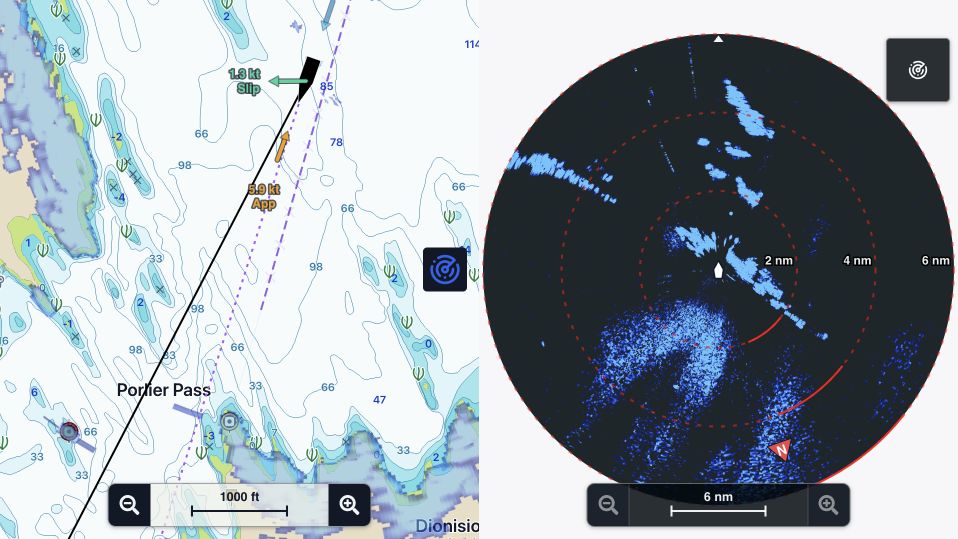
Navigation
Use supported radar returns in dedicated views or as chart overlays, including separate ranges from compatible dual-range scanners.
See how it works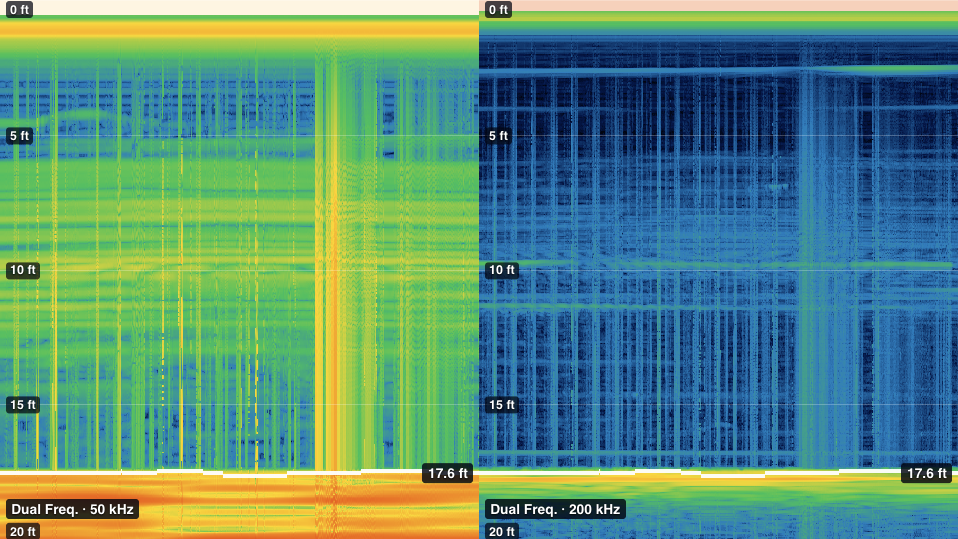
Depth
Place supported live sonar returns in saved BoatKit views beside charts, depth, speed, and other vessel information.
See how it worksVessel monitoring
Safety
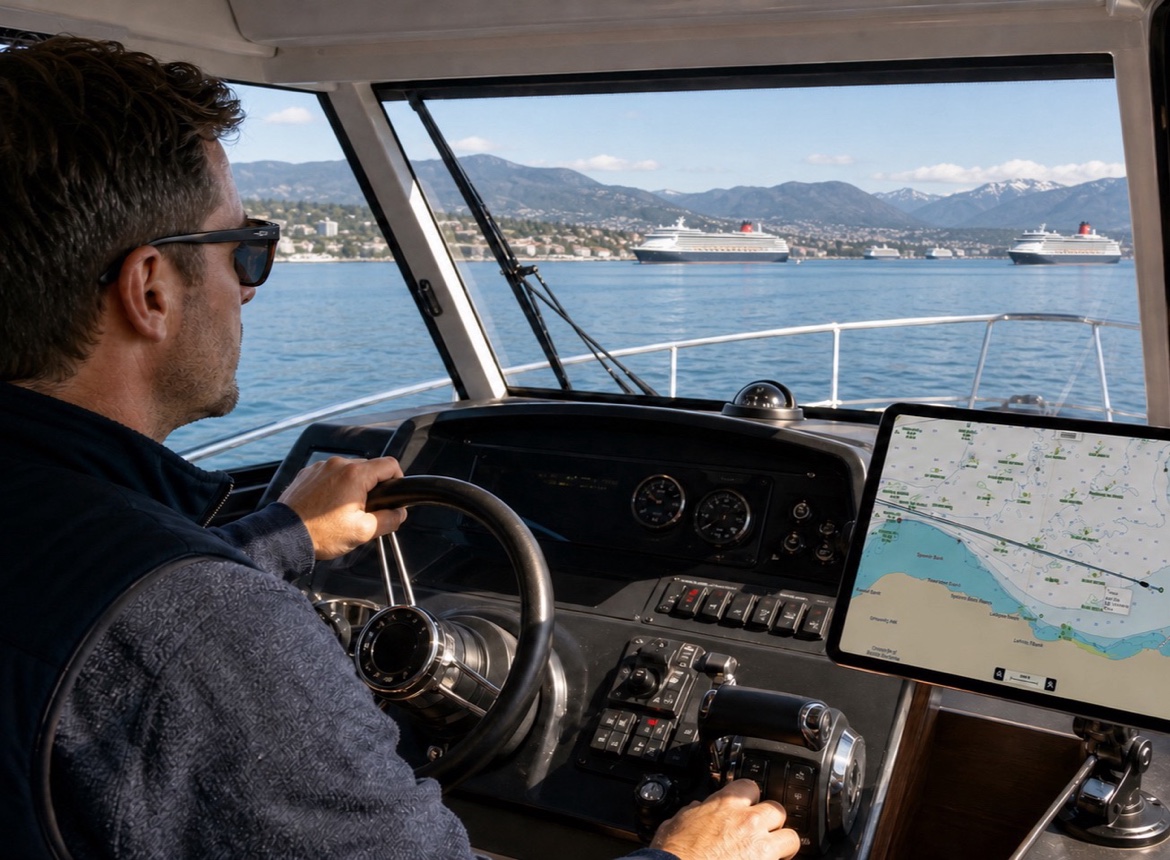
Set an anchor position and warning and alarm radii, follow the vessel track, and receive supported remote alerts through BoatKit Cloud.
See how it works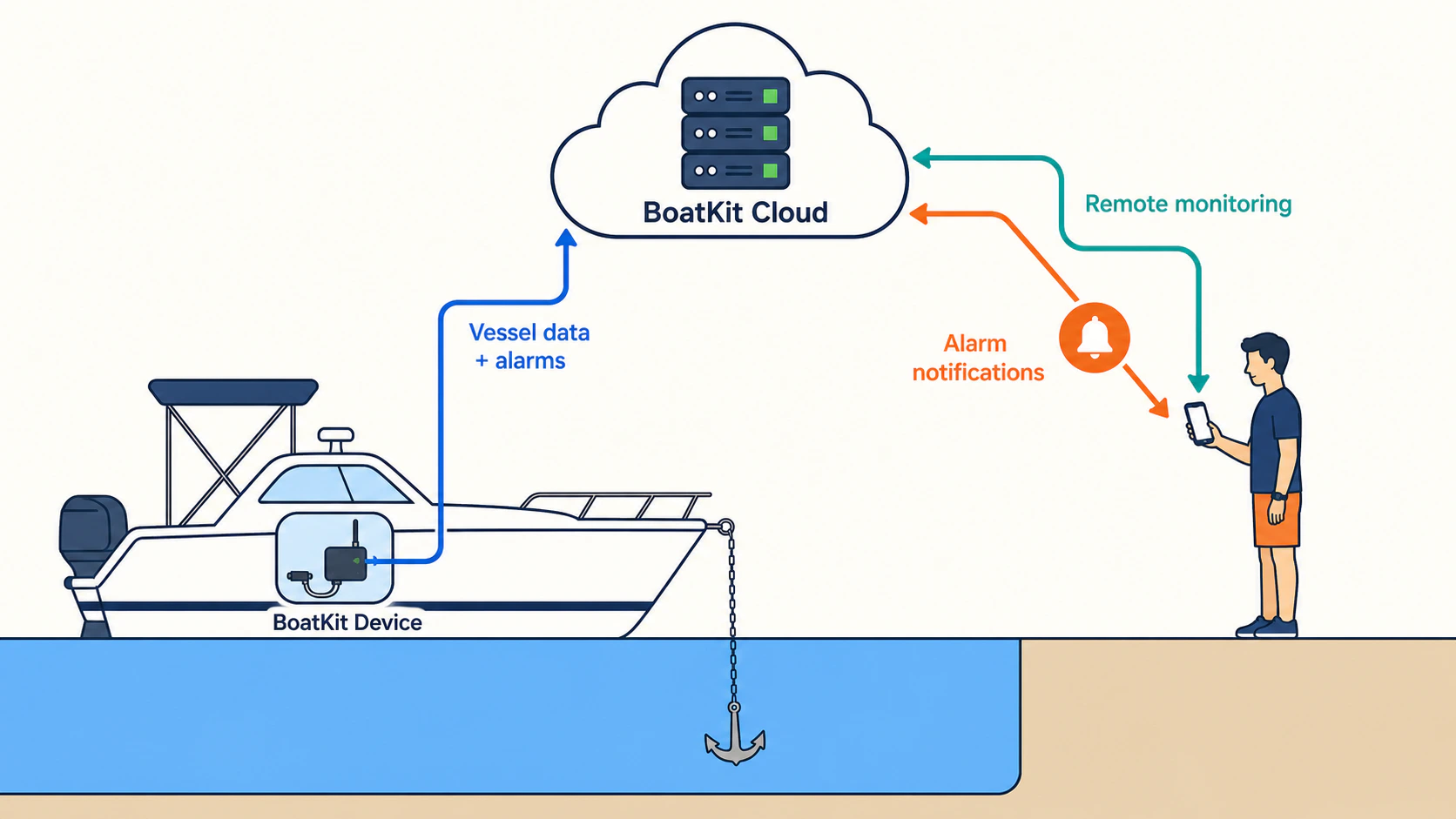
BoatKit Cloud
Open the vessel's BoatKit interface through BoatKit Cloud for supported live data, saved views, cameras, and alerts.
See how it works
Vision
Place supported camera and low-light video feeds in BoatKit views and open them remotely when vessel connectivity permits.
See how it works
Energy
View supported batteries, charging sources, inverter/chargers, AC inputs, temperatures, and power history in one model.
See how it works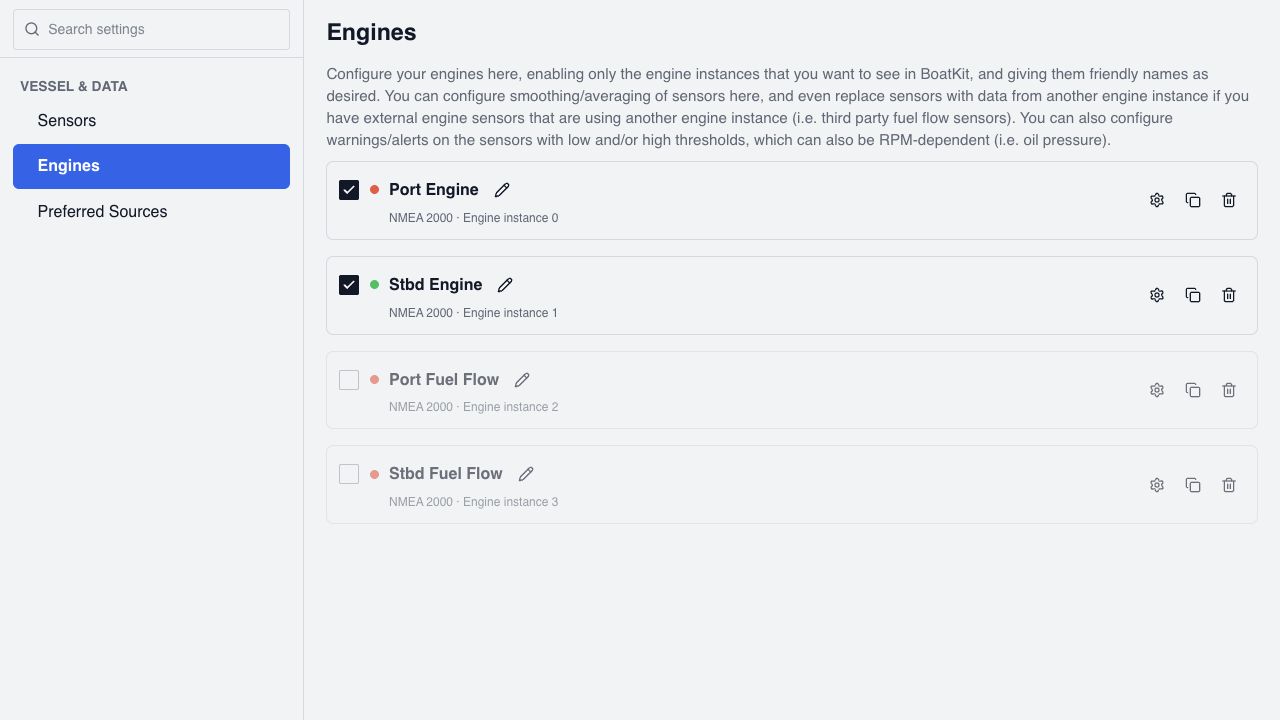
Vessel data
Bring supported engine, transmission, tank, temperature, pressure, depth, and other sensor data into one source-aware interface for dashboards, histories, and alarms.
See how it works
Monitoring
Define operating limits that can vary with RPM or another measurement, then use the same live engine and sensor values in gauges, histories, dashboards, and alarms.
See how it works
Awareness
Configure direct sensor, engine, Shelly, and power-system alerts, then route them to the Viewer, onboard audio, compatible chartplotter networks, and selected BoatKit Cloud destinations.
See how it worksRecords & maintenance

History
Retain supported vessel measurements and review their changes over time in charts, dashboards, trip context, and BoatKit Assistant analysis.
See how it works
History
Organize each passage with its route, timing, distance, vessel events, reference points, and operating summary.
See how it worksHistory
Retain the vessel's position history for chart review, passage context, and later export or restore.
See how it works
Maintenance
Record equipment-specific service schedules, completed work, meter hours, parts, spares, and notes.
See how it worksVessel continuity
Keep recoverable BoatKit configuration and optional vessel and sensor history in a folder you control on Google Drive or OneDrive.
See how it worksViews, control & automation
Interface
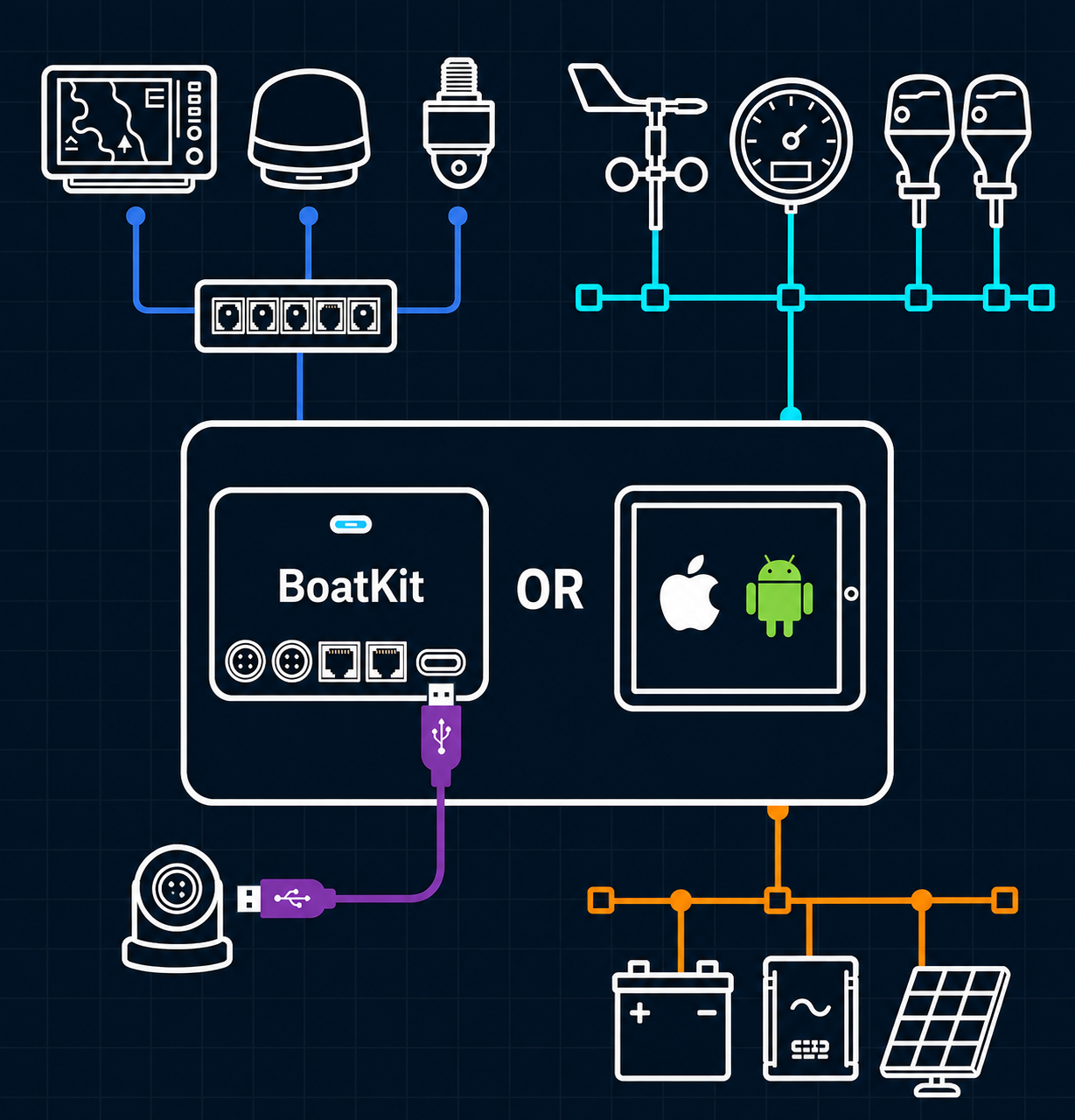
Arrange gauges, charts, cameras, websites, radar, sonar, weather, power, and controls into saved BoatKit dashboards.
See how it worksVessel monitoring
Keep pumps, equipment states, and sensor conditions visible with compact labeled lights in a BoatKit dashboard.
See how it worksInterface
Choose comfortable interface sizing, daylight clarity, ordinary dark mode, and a deeply dimmed overnight palette on each BoatKit display.
See how it works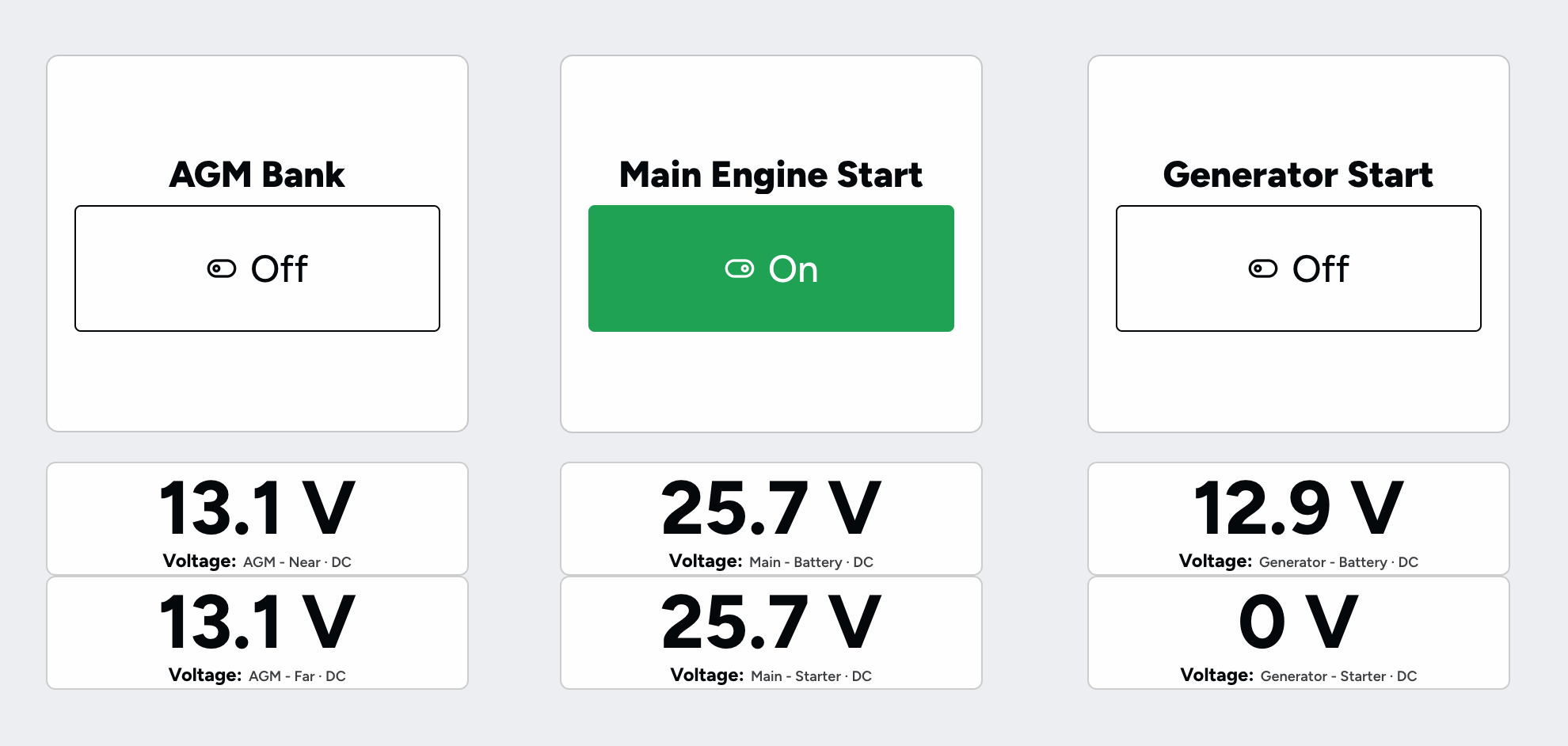
Electrical control
Control compatible NMEA 2000 switch banks—including EGIS relays—and supported IoT outputs such as Shelly devices from one BoatKit interface.
See how it worksControl
Operate supported autopilot, radar, stereo, VHF, watermaker, and electrical functions from BoatKit with administrator access.
See how it worksAutomation
Create one-time or recurring rules, ask BoatKit Assistant about the vessel, and add pictures when visual context matters.
See how it works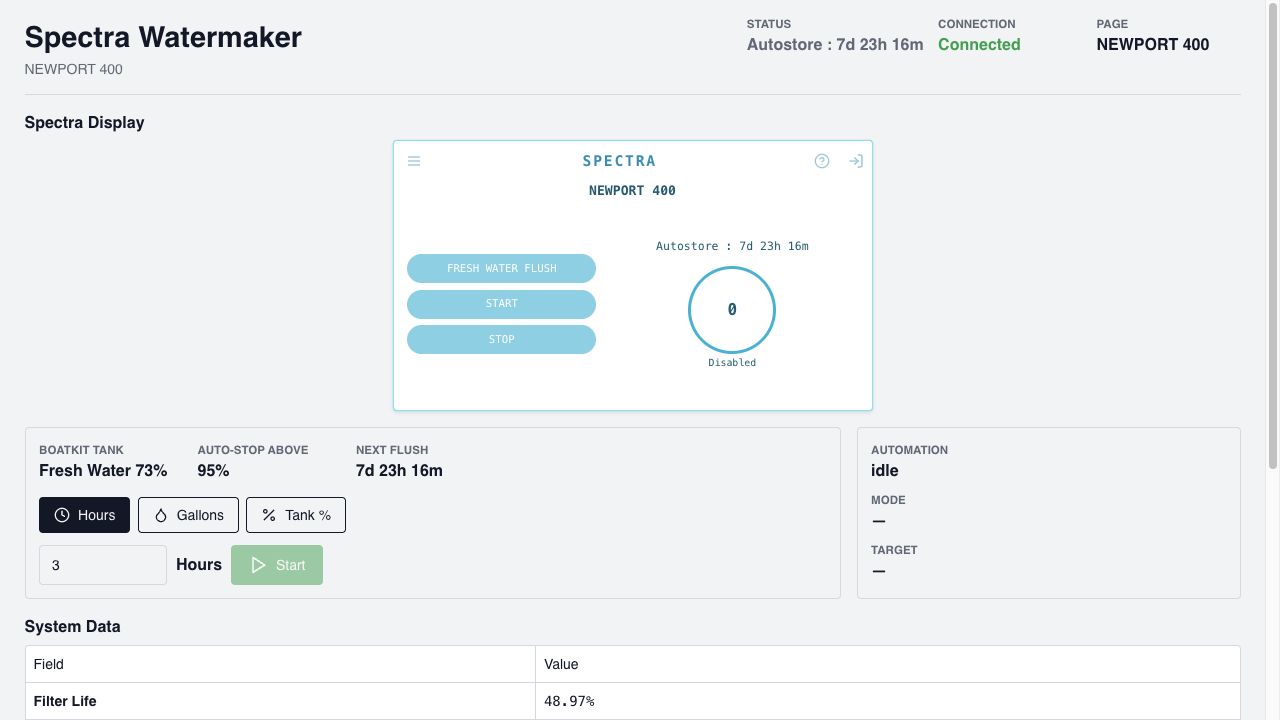
Automation
Monitor and control one or more watermakers through a shared BoatKit equipment model, with Spectra Connect tank-aware automation and retained operating data.
See how it worksPower control
Run a connected DynaGen generator from selected battery SOC, with quiet-hour emergency thresholds and bounded manual starts.
See how it worksCommunity & groups
Apps, training & support
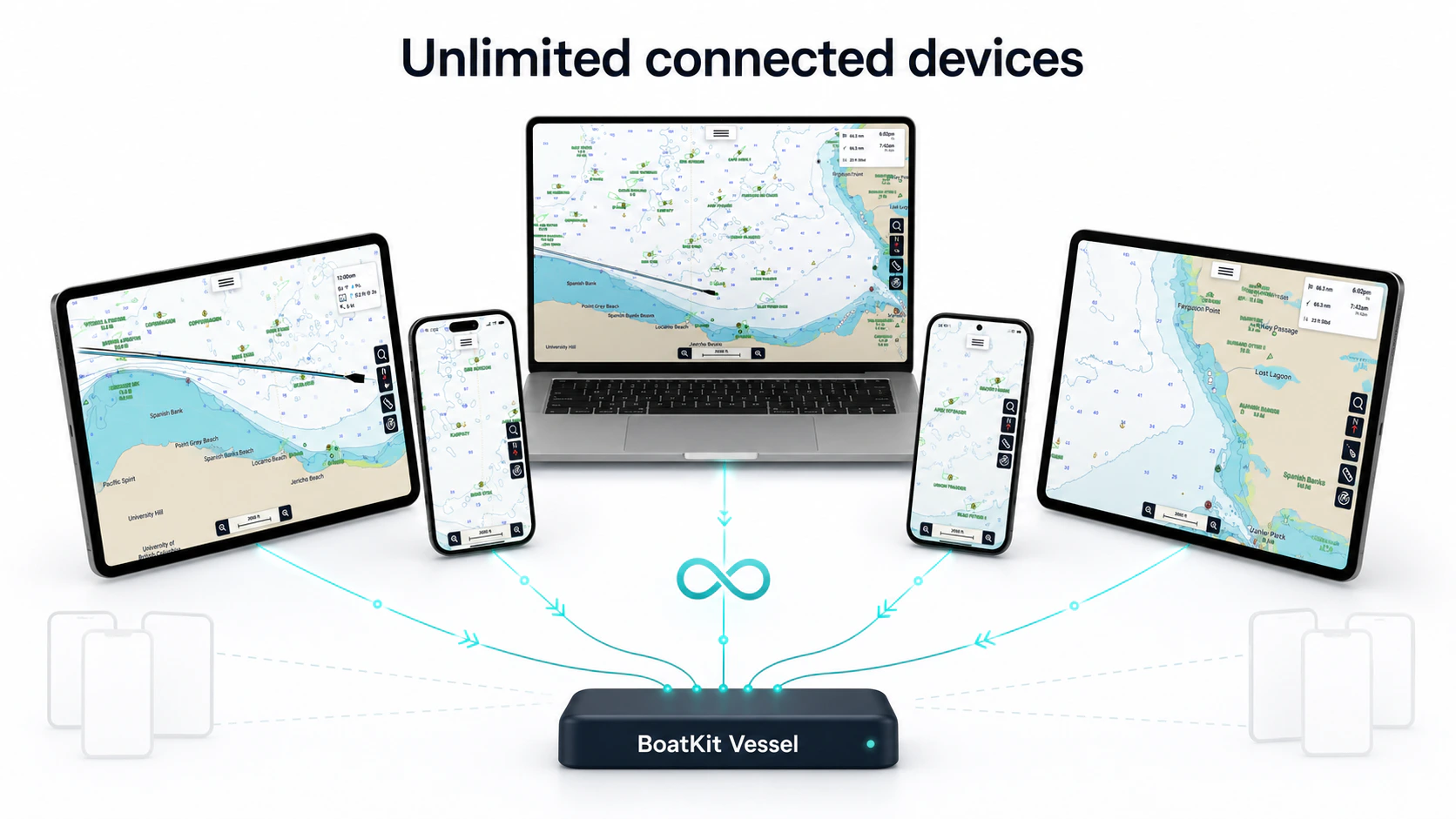
Mobile
Use BoatKit on iPhone, iPad, and Android for local or cloud-connected viewing and supported app-hosted vessel setups.
See how it worksTraining
Drive a modeled vessel with virtual or selected physical inputs while BoatKit generates position, attitude, water-speed, and engine data.
See how it worksSupport
Send browser display errors to BoatKit support, with optional automatic reporting and bounded offline retry.
See how it worksIntegrations
Choose a group to review supported NMEA inputs and gateways, marine networks and equipment, network management, camera inputs, power systems, watermakers, cloud AIS, cloud logbooks, and assistants.
Vessel data networks
Connect BoatKit to vessel data and broadcast active-route guidance to compatible NMEA 2000 equipment.
Receive NMEA 0183 over a Wi-Fi gateway and normalize supported navigation, depth, and AIS sentences.
Send BoatKit's physical NMEA 2000 traffic to specific RAW TCP or UDP targets, or broadcast it over UDP on the vessel network.
Send selected BoatKit GPS, depth, and AIS output to specific TCP or UDP targets, or broadcast it over UDP on the vessel network.
Publish BoatKit's current categorized vessel data to local Signal K applications through standard discovery, REST, and WebSocket streaming.
Marine electronics & radios

Discover supported Garmin cameras, FLIR sources, radar scanners, and sonar equipment on a Garmin Marine Network.

Discover supported Navico radar equipment and register it with BoatKit's common radar interface.

Connect supported Furuno radar equipment to BoatKit's common radar model and custom display system.

Discover supported Raymarine radar equipment and make it available through BoatKit's common radar interface.
Monitor and control supported Garmin autopilots, including a deliberate Follow Route action for active BoatKit routes.
Discover supported Fusion stereos over NMEA 2000 and control power, sources, playback, zones, and available tuner choices from BoatKit.

Connect supported Icom radios for channel, watch, scan, audio, and push-to-talk workflows inside BoatKit.
Use Meshtastic messaging, BoatKit vessel alerts, and a narrowly constrained data fallback through a LoRa mesh.
Network management
Camera & video inputs
Discover a vessel-local UniFi Protect console and bring selected cameras into BoatKit views through secure RTSPS streams.
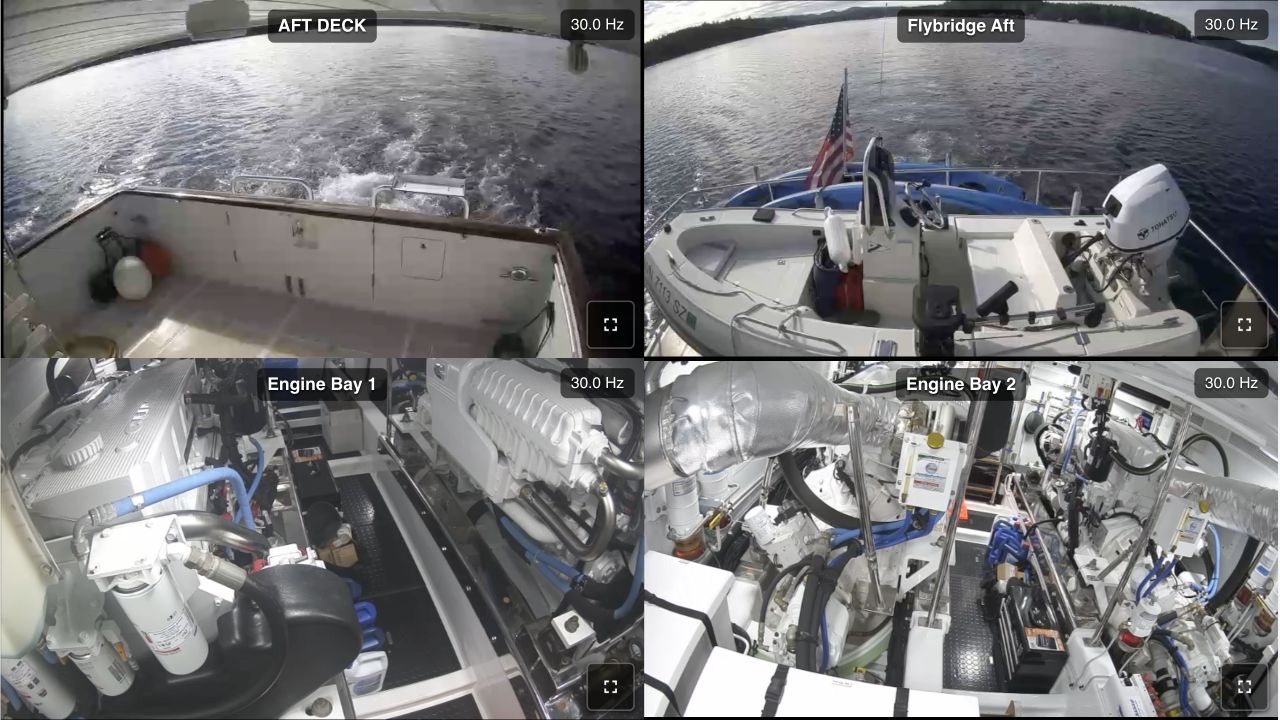
Add compatible USB video, RTSP, and supported Garmin marine-network camera sources to BoatKit.
Use a compatible SIONYX Nightwave as a tested USB camera source in BoatKit for local views and remote streaming when bandwidth allows.
Power & water

Connect a Victron GX system to BoatKit for normalized battery, charging, inverter, AC-input, generator, tank, and temperature visibility.
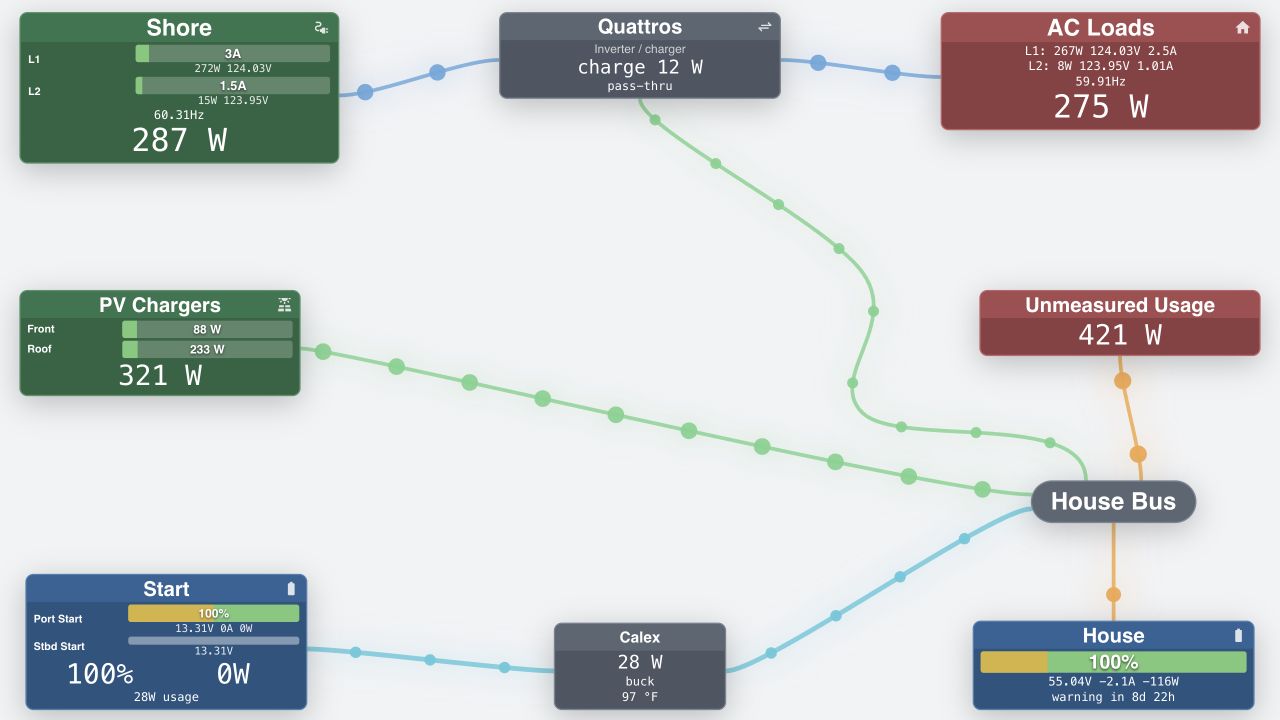

Read supported MasterBus equipment through a direct USB connection and bring it into BoatKit's shared power model.
Monitor and control a supported Calex bidirectional DC-DC converter inside BoatKit's normalized power model.
Monitor and control a DynaGen TG410 or compatible TOUGH Series generator controller over its documented Modbus RTU connection.
Bring individual AC breaker loads, mains phases, and accumulated energy from one or more SEM-Meters into BoatKit over local MQTT.

Control and monitor one or more supported Spectra Connect watermakers through BoatKit's shared watermaker equipment model.
Automation & assistants
Connect supported Shelly sensors and outputs to BoatKit's normalized sensor, alert, history, and switch-control systems.
Publish normalized BoatKit vessel data to Home Assistant as automatically discovered MQTT sensors and binary sensors.
Enable BoatKit's opt-in Siri and Shortcuts experience from the local preferences on an iPhone or iPad.

Ask Alexa for categorized BoatKit vessel data and create confirmed trigger rules through a BoatKit Cloud account link.
Calendars
Cloud data & logging
Merge nearby cloud AIS reports from AISStream with targets received from onboard sources when the vessel has internet access.
Share AIS reports received aboard through BoatKit Cloud and receive auxiliary AISHub targets for the area around the vessel.
Send supported BoatKit position and trip telemetry directly to Saillogger for automated logging and remote monitoring.
Start an unpublished RememberKit blog post automatically when a BoatKit trip completes.
Publish your BoatKit vessel track directly to noforeignland so friends and the cruising community can follow the journey.
Publish calculated true wind and selected onboard environmental readings from a moving BoatKit vessel to Windy.
Community
The BoatKit community map makes it easier to find nearby BoatKit boaters and turn a shared stretch of water into a useful conversation.
Live, owner-shared positions
Reach out to other BoatKit users with live messaging to check on local conditions and anchorages—or maybe just organize docktails. Vessel owners decide whether they appear publicly.
Open the community map


