
Platform
Onboard software
The whole boat, organized around the watch.
BoatKit translates vendor protocols and raw instrument messages into equipment and data sources the crew can configure, combine, automate, and understand.
One responsive viewer
From a phone at the bunk to a display at the helm.
The viewer is delivered by the BoatKit computer itself. Open it on a modern browser or the native iOS and Android apps, choose the units and theme that fit the crew, and start from guided templates or arrange saved views directly for different stations and jobs.
- Charts, gauges, history, wind, attitude, weather, and tides
- Radar, sonar, and camera panels alongside vessel data
- Trip history, rule-based automations, and meaningful equipment state
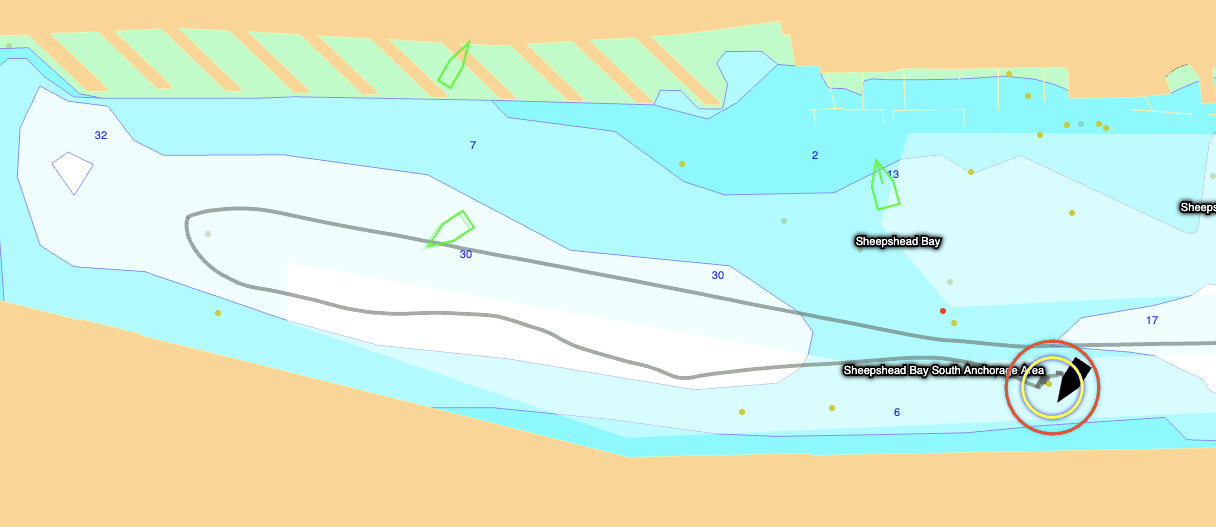
NavigateCharts, AIS, routes, depth, tides, currents, and restrictions.
ObservePower, engines, tanks, sensors, weather, and history.
SeeRadar, sonar, visible-light cameras, and night vision.
RespondAnchor, collision, engine, tank, and sensor warnings.
ControlSupported autopilot, radar, stereo, VHF, watermaker, and electrical controls.
ArrangeGuided templates and saved layouts for each screen, station, or use case.
RememberAutomatic or manual trips with track, statistics, notes, and vessel events.
AutomateOne-time or recurring rules over normalized vessel data.
Go nativeiOS and Android shells with boat selection, GPS, diagnostics, and embedded modes.
Build around the boat you already own
A unified screen starts with a unified data model.
BoatKit keeps vendor adapters separate from the crew-facing equipment model, so new systems can join without rewriting every view.